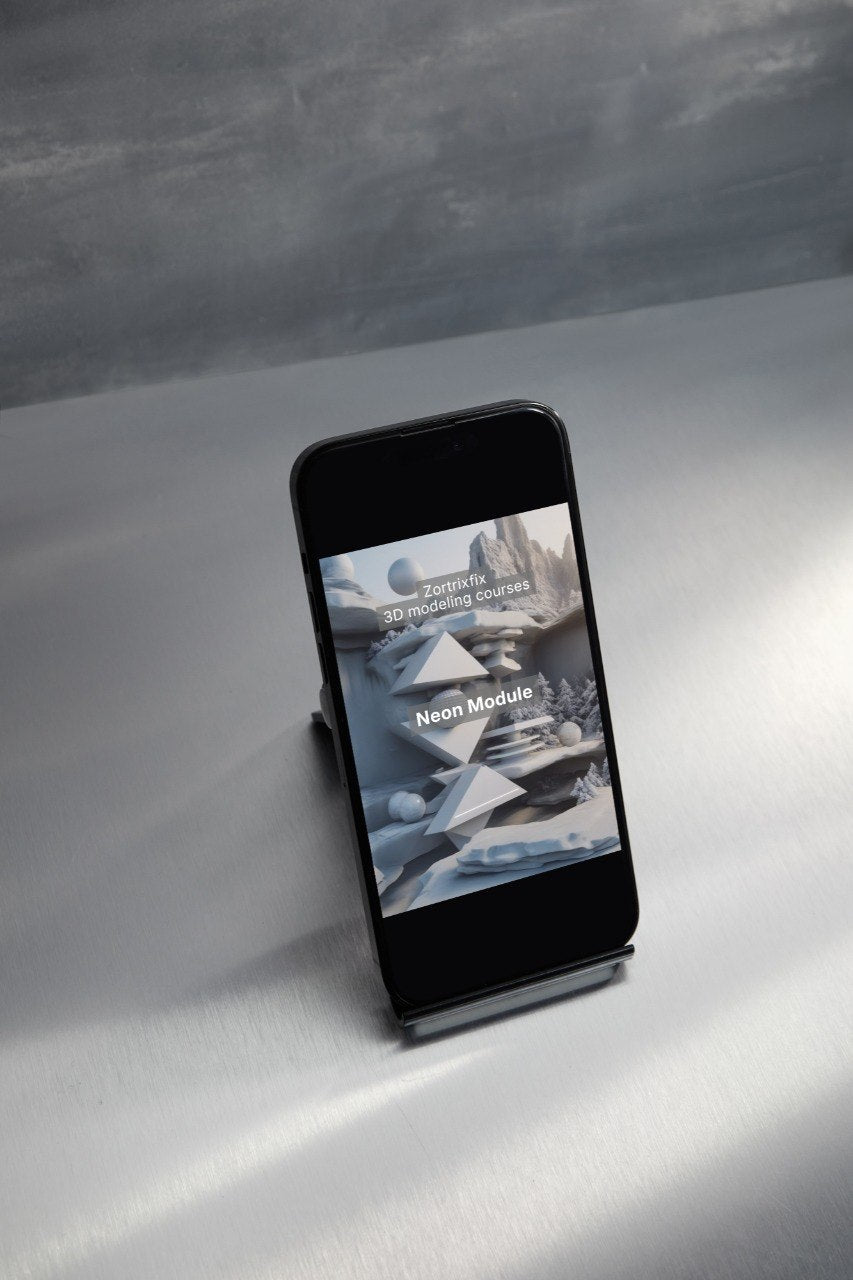
Zortrixfix
Neon Module
Neon Module
Couldn't load pickup availability
Self-paced learning overview
- 📦 Digital file available after purchase
- 🔄 Long-term availability
- 🛡️ Secure checkout
- 🔄 Content updated in 2026
1. Problem Statement
Struggling to make a 3D scene visually expressive without overloading it with color, light, and details? You’re not alone: when a learner moves from basic forms to a more character-driven presentation, there is often a temptation to add too many accents at once. Light areas, bright surfaces, contrasted shadows, small elements, and decorative choices can begin to compete with each other. As a result, the main form loses readability, and the scene feels rich but not always organized. Neon Module was created to help you work with expressiveness carefully: through order, rhythm, accent, and thoughtful visual choices.
2. Solution
This course will teach you how to add character to a scene through color, light accents, surfaces, details, and compositional rhythm. You will explore how to choose the main visual accent, how to support it with secondary elements, and how not to lose form among decorative choices. The materials show how color can guide the eye, how light can support volume, and how details can support the general mood of a scene. You will also learn to compare several versions of one work and choose a more organized solution for the learning task. Neon Module works well for learners who already have a base in scene construction and want to explore a more expressive stylized presentation.
3. What’s Inside
Module 1: Color as Visual Direction
In this module, you will explore how color can guide the eye in a 3D scene. Color does not only decorate an object; it also helps separate planes, highlight the main form, support mood, and create rhythm. The materials explain why it is useful to begin with a restrained palette rather than adding many tones at once. You will see examples where a small change in color accent changes the perception of the entire scene. The practice part invites you to create several palettes for one learning composition and compare which one supports the form more clearly.
Module 2: Light Accent Without Overload
This block focuses on light accents. You will learn how additional light can support a silhouette, highlight a detail, or create depth between planes. The materials show that a light accent should work with the main form rather than take all attention. You will review examples where too many bright zones make a scene less readable. In the practice task, you will change the position of a light accent and analyze how it affects the eye path.
Module 3: Stylized Form with a Clear Base
In this module, you will study how stylization works on top of clear construction. You will explore why even a very expressive form needs a logical silhouette, proportions, and internal order. The materials explain how simplification, enlargement of certain parts, or rhythm changes can add character without weakening readability. You will work with exercises where one base form receives several stylized versions. The main focus is making sure the decorative choice does not weaken the construction.
Module 4: Surfaces with Character
This block helps you study how surfaces can shape the mood of a scene. Smooth, matte, reflective, transparent, or rough surfaces interact with light and color in different ways. You will learn how to combine several surfaces so they support one idea. The materials include examples where the surface changes the character of a form without rebuilding the geometry. The practice part invites you to compare scene versions with different surface choices and decide which version reads more clearly.
Module 5: Rhythm of Decorative Details
In this module, you work with details that add character to the scene. You will explore how repetition of small elements, lines, cuts, light areas, or color accents can support composition. The materials explain why details should be grouped and connected to the general rhythm. You will see examples where a smaller number of details feels more organized than many random elements. The practice task helps you create details that support the form instead of competing with it.
Module 6: Contrast of Form, Light, and Color
This block focuses on contrast between visual components. You will study how to combine dark and light, saturated and restrained, smooth and textured, large and small. The materials show how contrast can help a scene read more clearly, but can also create extra tension when overused. You will learn to define which type of contrast is the main one in a specific learning work. The practice part invites you to create several scene versions with a different accent: light, color, form, or surface.
Module 7: Scene with Expressive Mood
In this module, you create a learning scene with attention to mood. You begin with the main idea, then define form, composition, palette, light accent, surfaces, and decorative details. The materials help you check that all elements support one visual line. You will review whether there are too many accents in the scene, whether the main object is clear, whether pauses work, and whether the form gets lost among color. This module connects previous topics into one learning work.
Module 8: Comparing Presentation Versions
This block teaches you to view one scene through several versions. You create or analyze different choices: a calmer palette, stronger light accent, different background, surface changes, or detail rhythm changes. The materials explain how to compare versions not only by preference, but through questions: what supports the main form better, where the eye path is clearer, where details do not overload the composition. This approach helps make more attentive visual decisions.
Module 9: Final Editing of a Stylized Scene
In the final module, you review the work before finishing. You analyze whether color supports the main idea, whether there are too many light accents, whether surfaces work together, whether decorative details compete, whether the silhouette is readable, and whether the scene has an eye path. The materials include a checklist for the final review of a stylized learning scene. The main goal is to help you finish work through careful review rather than by adding more random elements.
4. Who is this for?
✅ Works well if you:
- already know form, light, surfaces, and composition;
- want to work with a more expressive stylized presentation;
- want to better understand color and light accents;
- notice that you sometimes add too many details to a scene;
- like comparing several versions of one choice;
- want to create learning scenes with a more noticeable mood;
- are looking for a tier broader than Loom Module in visual presentation.
❌ Not for you if you:
- are only beginning your 3D design study;
- do not yet understand basic form and scene construction;
- do not plan to complete practice tasks;
- are looking only for basic geometry material;
- expect claims about results outside the learning process;
- want to work without analyzing composition, color, and accents.
5. What You’ll Learn
After working with Neon Module, you will be able to:
- use color as a tool for visual direction;
- work with light accents without overloading the scene;
- create stylized forms with clear construction;
- choose surfaces that support the mood of the work;
- group decorative details into a rhythmic system;
- analyze contrast between form, light, color, and surfaces;
- create a learning scene with expressive mood;
- compare several visual presentation versions;
- check whether the main form gets lost among details;
- edit a scene through a final review checklist;
- better understand how accents affect the eye path;
- prepare stylized learning works with more organized logic.
6. 30-day payment review period
For Neon Module, there is a 30-day payment review period according to store rules and the terms of this course. If, after reviewing the materials, you feel that the topic focus, structure, or format does not match your learning expectations, you may contact the Zortrixfix team within the stated period. Review terms are shown on the checkout page and depend on store rules. We describe this tier through modules, practice tasks, learning resources, and topics so you can evaluate its content in advance. Before placing an order, we recommend reviewing the description carefully, especially if you are moving to this tier after Loom Module.
Do I need previous 3D design experience?
Do I need previous 3D design experience?
No, the materials are created to help you move through the topic gradually. You can begin with basic ideas, then continue toward more detailed examples, scenes, forms, and composition.
What format are the materials in?
What format are the materials in?
The materials are presented as structured lessons, modules, practical tasks, explanations, and visual examples. Each tier has its own depth, number of learning blocks, and supporting resources.
Share